Key takeaways
- An agent is an LLM that plans steps and calls tools, so its risk comes from what those tools can do.
- Good first agents work on narrow, repeatable workflows with clear success criteria.
- Give agents the least permissions possible and require approval for irreversible actions.
- Log every step so you can review, debug and improve.
"Agents" are the most talked-about idea in AI right now, and also the most loosely defined. Some products use the word for a chatbot with a few buttons. Others mean software that can read your inbox, update your CRM and send emails on its own.
This guide cuts through that. It explains what an agent actually is, which jobs it does well today, and the controls you need before you let one touch real systems. If you're earlier in the journey, start with how to add AI to your product without the hype.
What makes something an agent
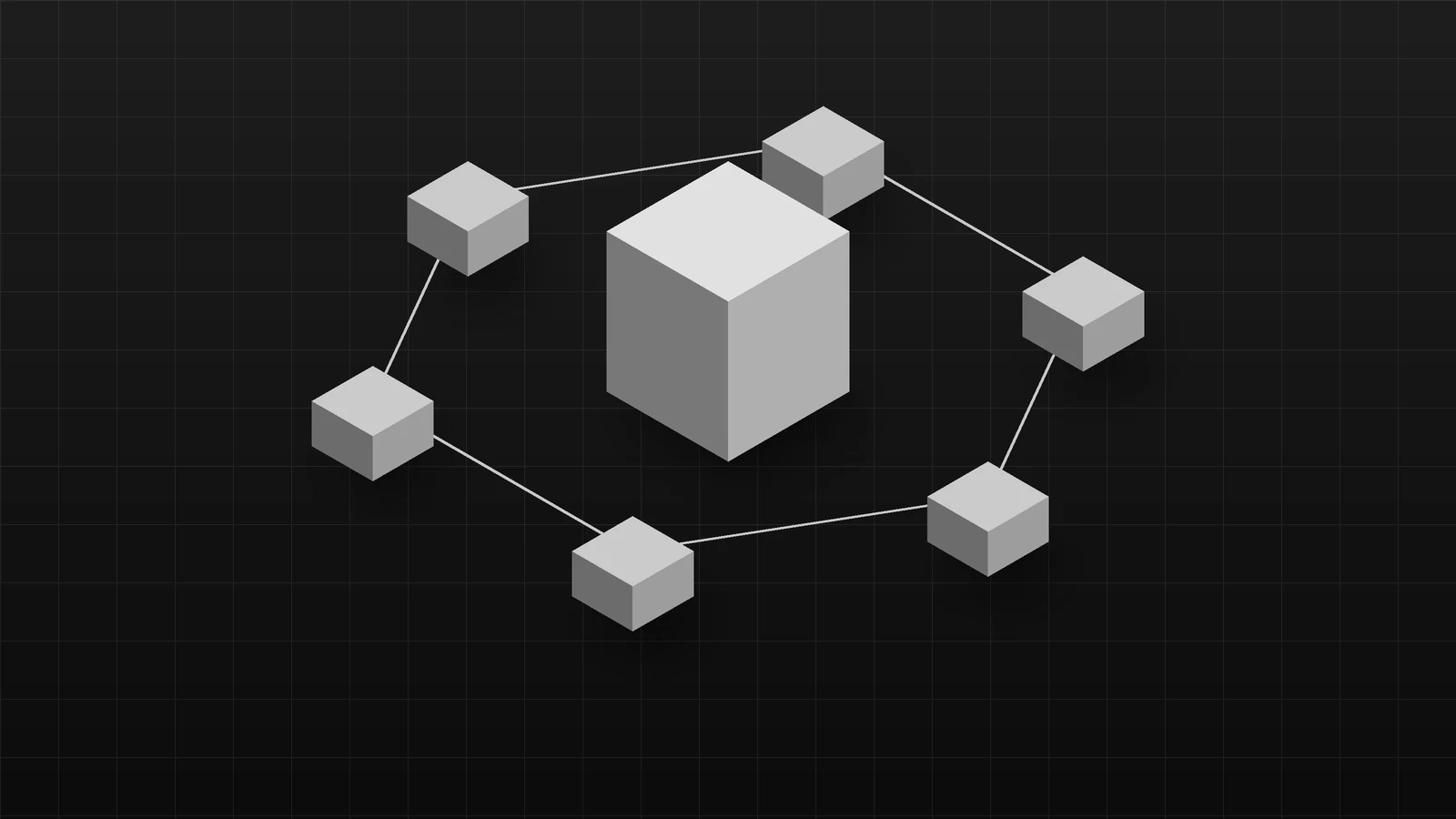
A chatbot answers. An agent acts. In practice an agent combines:
- A language model that interprets the goal and decides the next step.
- Tools it can call: search, database queries, APIs, file operations, a browser.
- A loop that feeds each tool result back to the model until the task is done or it stops.
- Memory or state so it can keep track of progress across steps.
The model is the planner. The tools are where the real-world impact happens, which is why tool design and permissions matter more than the choice of model.
Where agents work well today
The best candidates share three traits: the task is repeatable, the inputs are available to the agent, and the outcome is easy to check.
| Workflow | What the agent does | Human role |
|---|---|---|
| Support triage | Reads new tickets, tags them, pulls account context, drafts a reply | Reviews and sends |
| Lead research | Looks up a company, summarises fit, fills CRM fields | Approves before outreach |
| Back-office reconciliation | Matches records across two systems, flags mismatches | Resolves exceptions |
| Report preparation | Queries data, builds a summary, highlights changes | Checks and shares |
| Internal knowledge tasks | Finds policies or past decisions and cites them | Uses the answer |
| Document processing | Extracts fields and routes documents, see AI document extraction | Handles low-confidence cases |
Where they still struggle
- Long, open-ended tasks. Errors compound across many steps.
- Ambiguous goals. "Grow our sales" is not a task; "draft follow-ups for leads with no reply in 14 days" is.
- Untrusted inputs. Emails, web pages and documents can contain instructions that try to hijack the agent (prompt injection).
- Irreversible actions. Payments, deletions and messages to customers need a human checkpoint.
- Cost and latency. Every reasoning step is a model call; long loops get slow and expensive.
Designing an agent: a checklist
Scope the job
Write the task as a one-sentence instruction with a measurable outcome. Define what "done" means and what the agent should do when it can't finish.
Design narrow tools
Prefer get_open_tickets(customer_id) over a generic "run any SQL" tool. Narrow tools are easier to secure, test and explain.
Apply least privilege
- Use dedicated service accounts with only the permissions the task needs.
- Default to read-only. Add write access one action at a time.
- Scope data access to what the user who triggered the agent could see.
Put humans at the right checkpoints
Require approval for anything that sends, pays, deletes, publishes or changes permissions. Show the human exactly what will happen before they confirm.
Treat inputs as data, not instructions
Content the agent reads (emails, web pages, uploaded files) should never be able to change its goal or unlock tools. Keep system instructions separate, and filter or flag suspicious content.
Log everything
Record each step, tool call, input and output. Logs make debugging possible and give you an audit trail.
Evaluate before and after launch
Build a test set of real tasks with expected outcomes, score every change against it, and add failures from production. The approach mirrors the evaluation section in our AI product guide.
Build, buy or combine
| Situation | Usually best |
|---|---|
| Common workflow in a popular SaaS tool | Use the tool's built-in AI features |
| Workflow spans your own systems and rules | Custom agent with narrow tools |
| Answers over your documents | Retrieval first; see RAG vs fine-tuning |
| High-risk domain (finance, health, legal) | Human-in-the-loop by design, with expert review |
Rolling out
- Shadow mode. The agent runs alongside people and its output is compared, not used.
- Assisted mode. The agent drafts; people approve every action.
- Partial autonomy. Low-risk actions run automatically; the rest still need approval.
- Review regularly. Check success rates, costs and incidents, and tighten or relax permissions based on evidence.
Where to start
Pick one workflow your team repeats every day, with clear inputs and an easy-to-check result. Build it in assisted mode and measure time saved.
Our AI development team designs and builds agents with the permissions, evaluation and logging described here. Tell us about the workflow you'd like to hand off.
Frequently asked questions
What is an AI agent?
An AI agent is a system where a language model decides which steps to take and which tools to call, such as search, a database query or an API, to complete a goal. Unlike a chatbot, it acts as well as answers.
What business tasks are AI agents good at?
Multi-step tasks with clear inputs and checkable outputs: triaging support tickets, researching and summarising leads, reconciling records, preparing reports, and drafting responses that a person approves.
Are AI agents safe to give access to company systems?
They can be, with guardrails: least-privilege credentials, read-only access where possible, human approval for actions that send, pay or delete, strict scoping of what data they can see, and full logging.
Do we need a custom agent or an off-the-shelf tool?
If an existing tool covers the workflow and your data, start there. Custom agents make sense when the workflow depends on your internal systems, data or rules that off-the-shelf tools can't reach.
How do you measure whether an agent is working?
Track task success rate on a fixed test set, the share of runs needing human correction, time saved per task, cost per completed task, and any incidents.
Written by
Engineering & Design
Notes from the designers and engineers building products at BreaktroughF1: what we learned, what we'd do again and what we'd do differently.